
How to Avoid the Biggest ADA Compliance Pitfalls (The Sceptic’s Guide)

You’ve built your business, carved out your corner of the internet, and finally started seeing some traction. Then, out of nowhere, an official-looking envelope lands on your desk. Or worse, a “demand letter” hits your inbox from a law firm you’ve never heard of, claiming your website violates the Americans with Disabilities Act (ADA).
Suddenly, you’re being told that because a button on your checkout page doesn’t have the right “label,” you owe five figures in damages.
Welcome to the digital shakedown.
If you think ADA compliance is just about helping people with visual impairments navigate your site, you’re only seeing half the picture. In the current market, it has become a hunting ground for predatory “sue-and-settle” lawyers. They aren’t interested in accessibility; they’re interested in your bank account.
But here is the good news: you can dodge these digital ambulance chasers without spending a fortune on “expert” consultants or dodgy software. You just need to stop being a sitting duck.
The “Gotcha” Game: The Reality of Predatory Lawsuits
Let’s look at the cold, hard numbers. In 2025, ADA website lawsuits didn’t just grow; they exploded. We saw a total of 3,948 lawsuits filed, which is a 23.84% increase from the previous year.
But here is where it gets interesting: and where your scepticism should kick in. Over half of these cases were filed by just 33 plaintiffs. One individual, a chap named Michael Sandoval, filed 241 lawsuits alone.
Does Michael Sandoval really have a personal vendetta against nearly 250 small businesses? Unlikely. This is a volume game. These “professional plaintiffs” use automated bots to crawl thousands of websites, looking for specific technical errors. When they find one, they hit “send” on a templated lawsuit.
THE GOAL: To get you to settle for $5,000 to $15,000 because fighting it in court would cost you $50,000.
If you are running an e-commerce site, you are right in the crosshairs. Roughly 70% of all ADA web lawsuits target e-commerce retailers. Why? Because the checkout process is a complex “plumbing” system where it is very easy to find a tiny coding error that “blocks” a sale.

The “Accessibility Overlay” Trap (Why Quick Fixes are Bait)
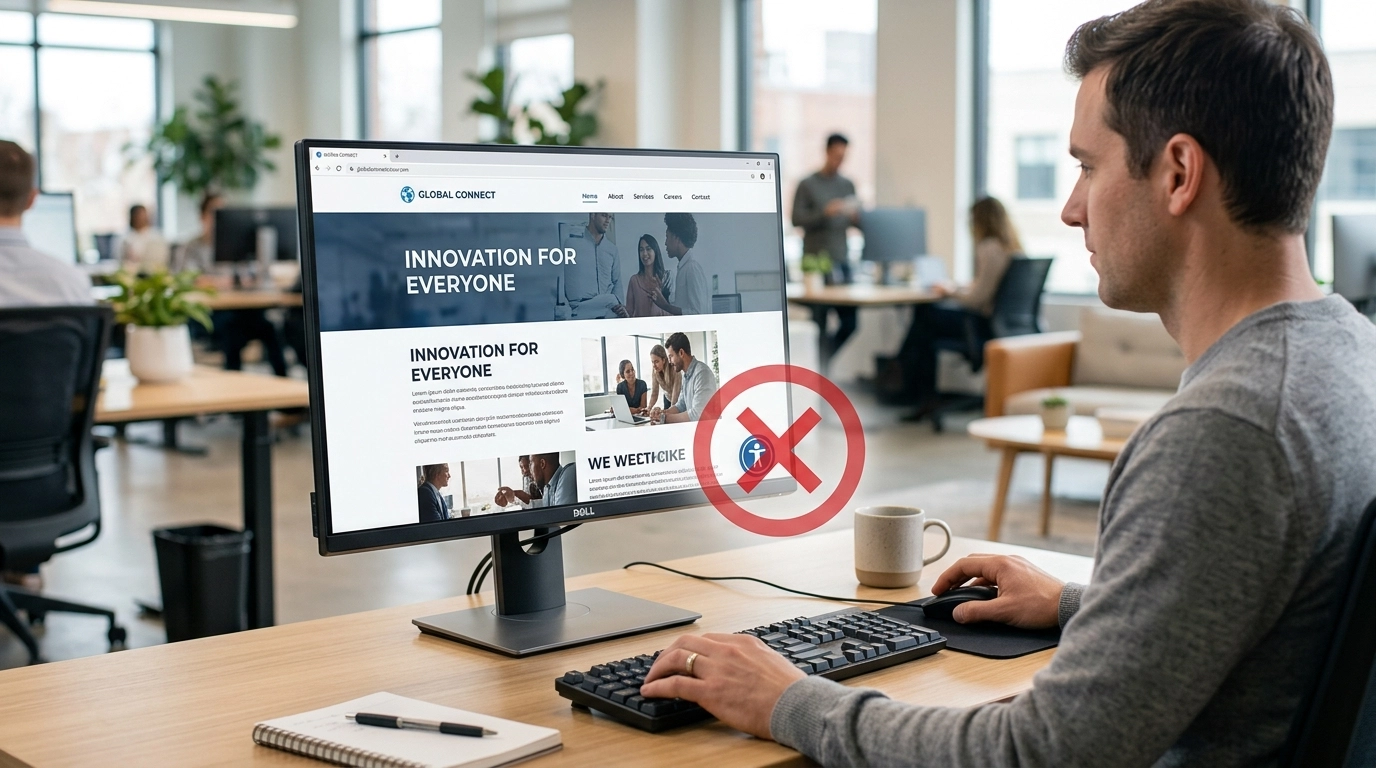
If you’ve spent five minutes researching this, you’ve probably seen ads for “Accessibility Overlays” or “Widgets.” They promise that by adding one line of code, your site becomes 100% compliant and “lawsuit-proof.”
SPOILER ALERT: It’s a load of rubbish.
In fact, these widgets are often the very thing that puts a target on your back. In 2025, nearly 25% of all lawsuits were filed against websites that already had a widget or overlay present.
Why? Because these tools are often “sticking plasters” on a broken leg. They sit on top of your code, but they don’t actually fix the underlying issues. Even worse, many screen-reader users find these overlays incredibly annoying because they interfere with the specialised software they already use.
When a predatory lawyer sees an accessibility widget on your site, they don’t see a compliant business. They see a business owner who knows they have a problem and tried to find a cheap way out. It’s like putting a “Beware of the Dog” sign on your gate when you don’t even own a cat: it doesn’t actually stop anyone from looking over the fence.
The Sceptic’s Action Plan: Protecting Your ROI
We don’t do “fluff” here at Jonathan Jenkins Online. We focus on what actually moves the needle and protects your profit. You don’t need to be a coding genius to fix the biggest “gotchas.” You just need to handle the “Big Three.”
1. Keyboard Navigation (The “Tab” Test)
This is the easiest way to see if you’re a target. Put your mouse away. Now, try to navigate your entire website using only the Tab key on your keyboard.
- Can you see where you are? (Is there a visible box around the link you’ve highlighted?)
- Can you actually click “Buy Now” or “Submit” using only the Enter key?
- Can you close those annoying pop-ups without a mouse?
If you get stuck in a “keyboard trap” (where you can’t move past a certain element), you’ve just failed a major compliance check. Fix this first.
2. Alt Text for Every Image
Bots love scanning for missing “Alt Text.” Every image on your site should have a short, descriptive piece of text in the backend that explains what the image is.
- BAD:
IMG_0042.jpg - GOOD:
Small business owner using a laptop in a home office
PLUS: This isn’t just about avoiding lawsuits; it’s a massive win for your SEO. Google can’t “see” images, but it can read Alt Text. By fixing your accessibility, you’re actually helping your site rank higher. That’s a real ROI.
3. Colour Contrast
If your text is light grey on a white background because you think it looks “minimalist” and “clean,” you’re asking for trouble. People with visual impairments need a certain level of contrast to read your content.
Use a free tool like the WebAIM Contrast Checker. If your text-to-background ratio is below 4.5:1, change the colour. It takes five minutes in your CSS or site builder and removes a massive “low-hanging fruit” for lawyers.
How to Respond if the “Shakedown” Starts
If you do receive a letter, don’t panic, and for heaven’s sake, don’t just ignore it.
- Don’t Admit Fault Immediately: Many of these letters are “fishing expeditions.”
- Audit Your Site ASAP: Use a tool like WAVE (Web Accessibility Evaluation Tool) to get a report of your current errors.
- Document Your Progress: If you start fixing things today, you show “good faith” effort. Courts and even predatory lawyers are far less likely to pursue a business that is actively remediating its site.
- Speak to a Specialist (Not a Guru): Find a lawyer who actually specialises in digital ADA cases, not just your local family solicitor. You want someone who knows the “sue-and-settle” players and knows exactly how to make them go away for the lowest possible cost.
The Bottom Line
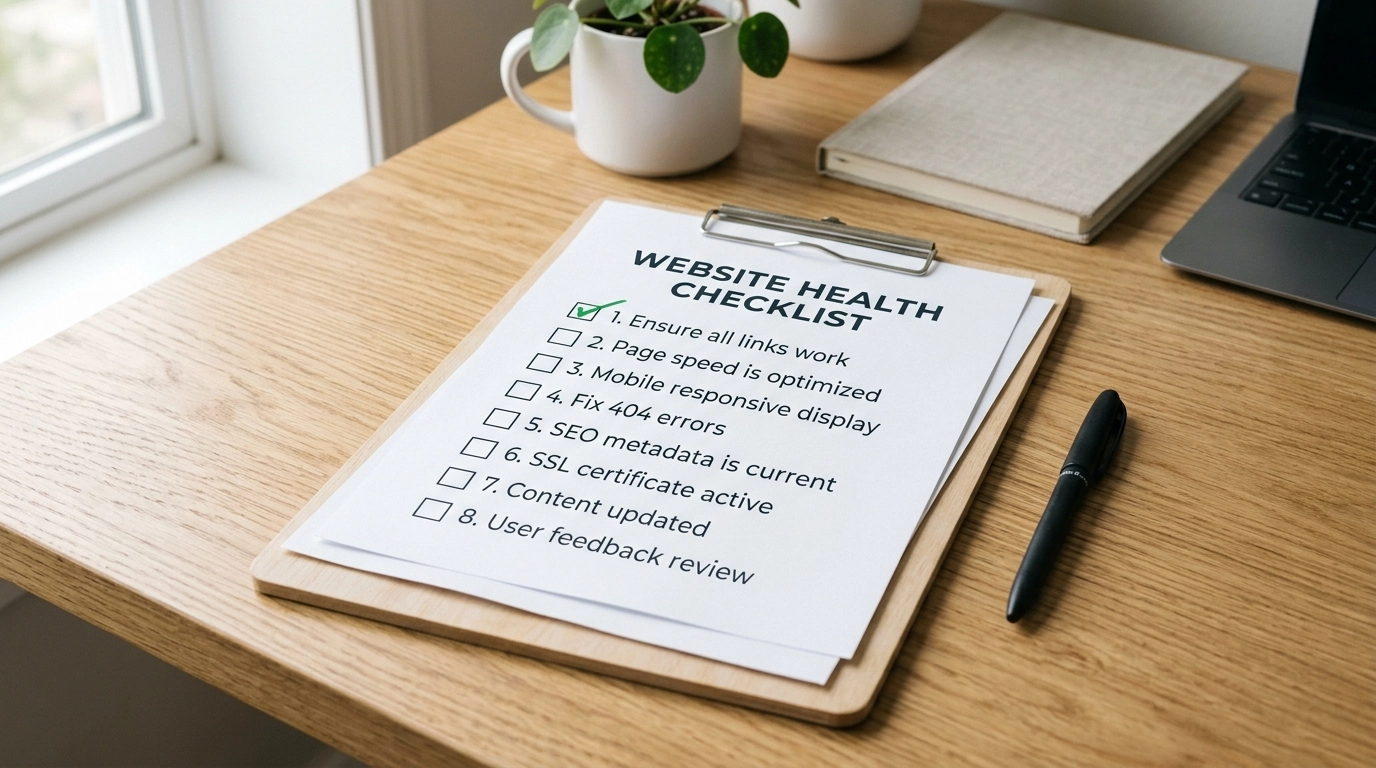
ADA compliance isn’t going away, and the “shakedown” industry is only getting more sophisticated. You can either wait to be targeted and pay the “ignorance tax,” or you can spend a few hours securing your site’s “plumbing.”
Accessibility is simply good business. It opens your market to more customers, improves your SEO, and most importantly, it makes you a very difficult target for people looking for a quick payday.
Stop looking for the “magic button” or the “guru-approved” plugin. Realise that the only way to protect your business is through actionable, practical steps that address the root cause.
Level up your site today, and you’ll be outperforming the competition who are still sitting around waiting for their “demand letter” to arrive.
GOAL: Check your “Tab” navigation right now. If you get stuck, that is your first job for tomorrow morning. No excuses.
If you’re worried your website might be leaving you exposed, don’t sit there guessing. We can put you in touch with experts who can sort these issues quickly and help you get your site into better shape. Just head over to our Contact page and reach out.
For more no-nonsense marketing strategies and real-world business advice, keep up with us at Jonathan Jenkins Online. We cut through the hype so you can focus on growth.